


Photoshop Automation
Automate repetitive image processing and save hours of manual work with custom Photoshop automation.

Faster image processing with automation
//
Faster image processing with automation //
Faster image processing with automation
//
Faster image processing with automation //

Manual Image Editing Takes Too Long
7y65Editing images one by one is time-consuming and inefficient.
Tasks like adding frames, inserting text, or exporting files can take hours — and are prone to human error.
As your workload grows, this process becomes a bottleneck.

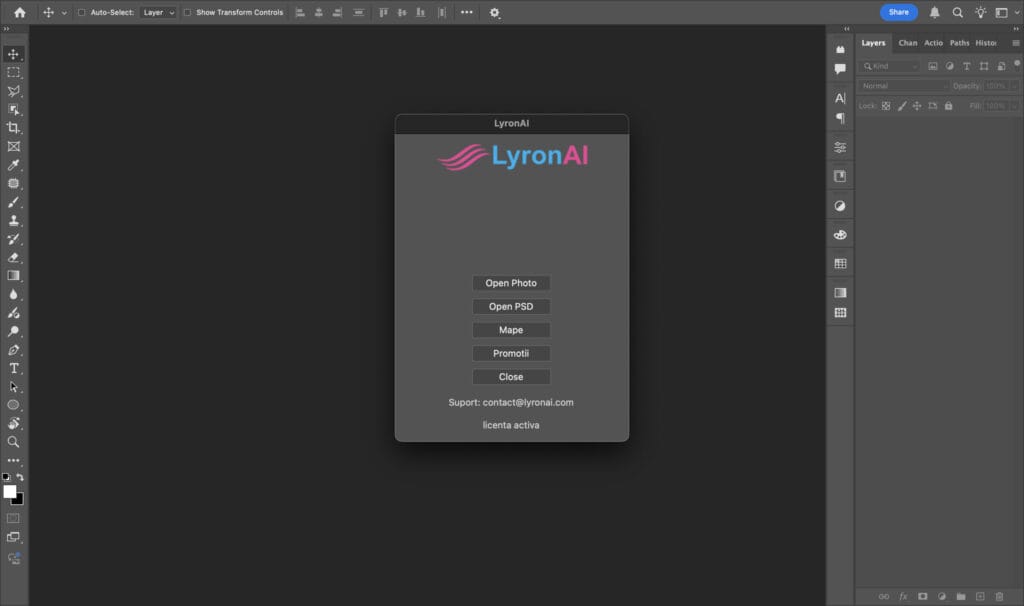

What You Can Automate
Bulk image processing
Automatic frame insertion
Text placement from Excel data
Batch export and file naming
Repetitive editing tasks

Blog
Work Hard, Achieve More: Master Photoshop Productivity for Designers

Discover proven strategies to streamline your Photoshop workflow, boost creativity, and deliver stunning results faster.
Master Time Management: Daily Tips for Peak Productivity
Discover proven daily habits and practical strategies to manage your time more effectively, boost focus, and achieve your goals faster.
Revolutionize Your Workflow: How AI Tools Are Saving Professionals Hours Every Week

Discover how cutting-edge AI tools streamline tasks, automate workflows, and enhance productivity—freeing up time for strategic work and creativity. Learn