
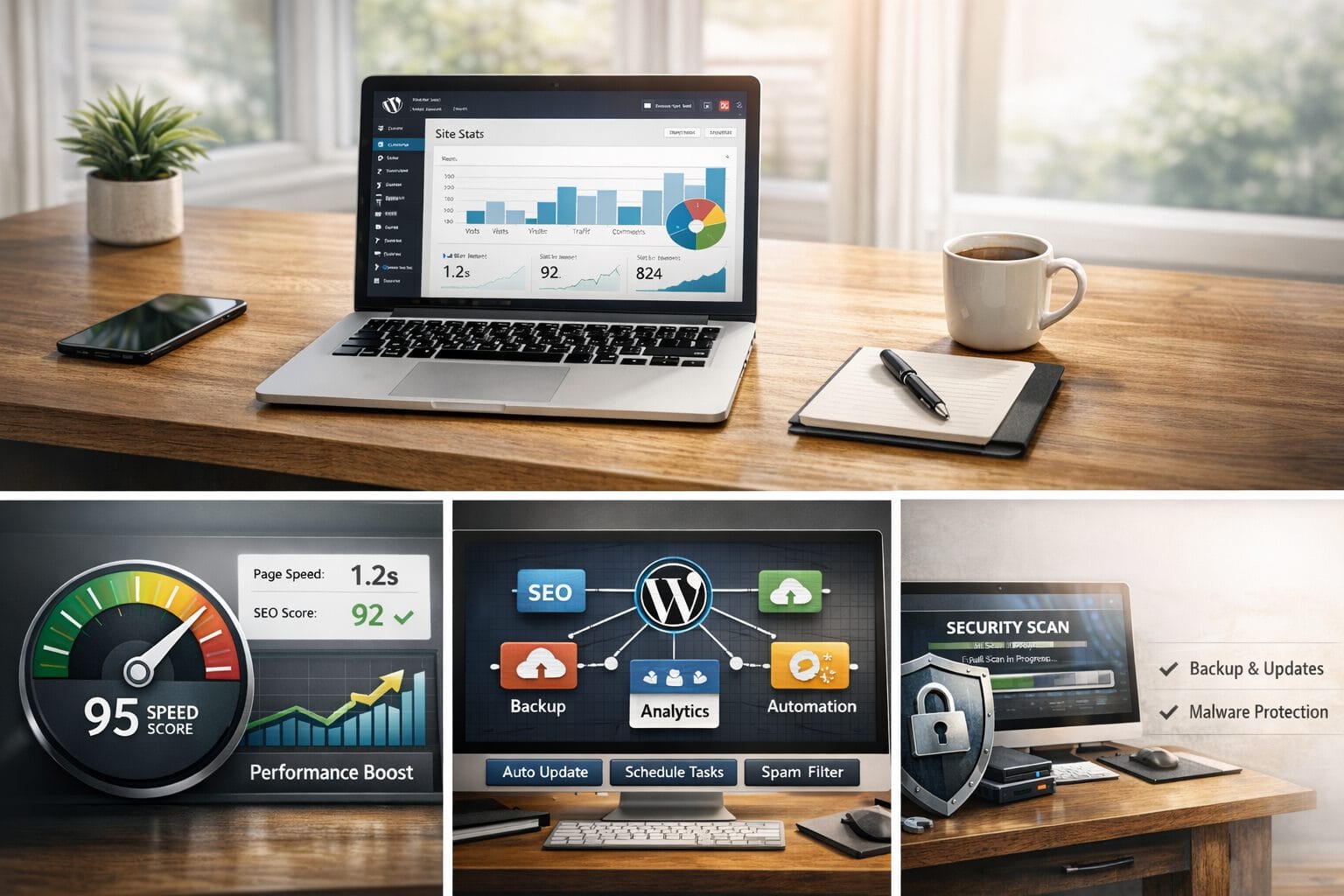
Running a successful WordPress website requires more than just publishing compelling content. Without a strategic operational approach, administrative overhead quickly drains both your schedule and your marketing budget. Site owners frequently encounter bloated themes, inefficient workflows, and unexpected hosting bills that compound over time. Fortunately, learning how to save time and money on your WordPress platform is entirely achievable through systematic optimization and disciplined maintenance. This guide outlines proven methods to streamline your digital workflow, reduce unnecessary expenditures, and build a resilient foundation that scales efficiently alongside your business goals.
Streamline Your Plugin Ecosystem
Plugin bloat remains one of the most common culprits behind sluggish performance and inflated maintenance costs. Every additional extension introduces potential security vulnerabilities, database queries, and compatibility conflicts. Over time, these small inefficiencies accumulate into significant performance degradation and increased developer hours.
Audit and Consolidate
Begin by conducting a comprehensive review of your active plugins. Remove any extensions that are outdated, rarely used, or serve overlapping purposes. Consolidate similar tools into single, well-supported alternatives. For example, replacing three separate security, firewall, and login protection plugins with one reputable suite reduces update cycles and minimizes conflict risks.
Choose Multi-Purpose Solutions
Instead of installing isolated plugins for contact forms, SEO metadata, and image optimization, evaluate comprehensive frameworks that integrate seamlessly. A unified approach reduces the number of HTTP requests, simplifies version control, and minimizes technical debt. Prioritize lightweight, actively maintained tools with transparent development roadmaps.
Automate Routine Maintenance Tasks
Manual website maintenance consumes hours each month and frequently leads to human error. Automation ensures consistency, enforces security protocols, and frees your internal team to focus on revenue-generating initiatives rather than repetitive administrative duties.
Scheduled Updates and Backups
Implement reliable backup solutions with automated daily or weekly snapshots stored in offsite cloud locations. Pair this with dedicated staging environments to safely test core, theme, and plugin updates before deploying them to your live production server. Automated rollback capabilities further protect your site from breaking changes.
Performance Monitoring
Deploy continuous monitoring tools that alert you to downtime, slow page loads, or unexpected resource spikes. Proactive detection prevents costly service interruptions and eliminates reactive troubleshooting. Set up threshold-based notifications so your team can address bottlenecks before they impact user experience or search engine rankings.
Optimize Hosting and Caching Strategies
Your hosting environment directly dictates both site speed and operational expenses. Selecting the right infrastructure is a long-term investment in efficiency, security, and scalability. Many organizations overspend on enterprise tiers they do not utilize or underinvest in critical performance layers.
Managed vs. DIY Hosting
Unmanaged virtual private servers may appear cheaper initially but demand significant technical oversight, manual patching, and dedicated DevOps resources. Managed WordPress hosting typically includes built-in security hardening, automatic scaling, and expert support, ultimately reducing hidden labor costs and minimizing downtime risks.
Implement Server-Level Caching
Browser caching, object caching, and page caching dramatically reduce database queries and server processing time. Configure your caching layer to serve static content efficiently, which improves Core Web Vitals, enhances user retention, and lowers bandwidth consumption. Regularly purge stale cache during major updates to maintain content accuracy.
Actionable Takeaways for Immediate Implementation
To realize tangible operational savings, prioritize these steps within your next development sprint:
- Conduct a full plugin and theme audit to eliminate redundancy and improve initial load times.
- Transition to automated backup and staging workflows to prevent data loss and deployment errors.
- Evaluate your current hosting plan against actual traffic metrics and support requirements.
- Enable server-side caching and optimize media delivery through modern formats like WebP and AVIF.
- Document your maintenance schedule to ensure accountability and consistency across team members.
Conclusion
Efficiency in WordPress management is never about cutting corners; it is about working intelligently and removing friction. By consolidating your toolset, automating repetitive administrative tasks, and optimizing your underlying infrastructure, you create a sustainable digital ecosystem that conserves both capital and hours. Implement these strategies systematically, monitor your performance metrics, and your website will deliver faster results while operating at a fraction of the traditional overhead.