
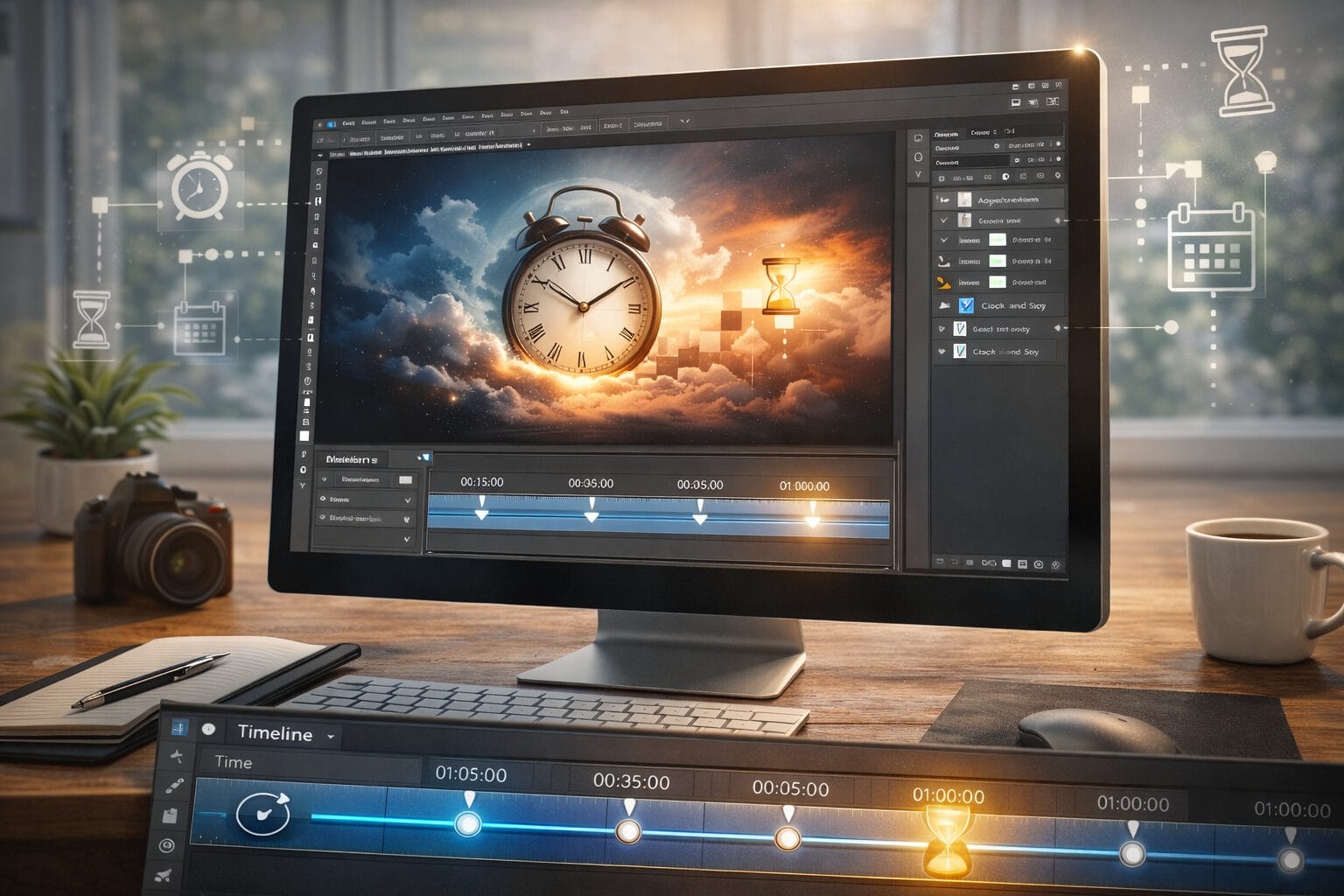
Time remains one of humanity’s most profound abstractions, yet in digital design, it transforms into a measurable, editable resource. When creative professionals ask what time truly is, they are rarely seeking a purely philosophical answer. Instead, they look for ways to harness it, structure it, and ultimately control it within their daily operations. In Adobe Photoshop, time is not merely a background metric; it is embedded into every layer, every undo state, and every iterative decision. Understanding how time operates in a visual workspace allows designers to work faster, reduce friction, and produce higher-quality results without experiencing creative burnout.
The Physics of Pixels and the Perception of Time
At its core, time is the continuous progression of existence from past to future. In a digital environment, however, time becomes discrete. Every click, brush stroke, and adjustment represents a quantifiable moment. This discretization fundamentally changes how creators perceive deadlines, pacing, and creative flow. When you open a complex document, you are essentially stepping into a frozen timeline. The software captures a specific state of your work, allowing you to revisit, modify, or completely rewrite what previously existed. This temporal flexibility is what separates traditional media from digital design. By recognizing that time in Photoshop is non-linear, professionals can adopt more experimental approaches without fearing irreversible mistakes.
How Photoshop Manipulates Temporal Workflows
Adobe Photoshop does not just display images; it manages creative chronology. The application architecture is built around preserving temporal states, giving designers unprecedented control over their process. This structural approach to time enables rapid prototyping, safe experimentation, and seamless collaboration.
The History Panel as a Time Machine
The History Panel functions as a practical chronometer for your creative process. Each recorded state represents a saved moment in your editing session. Rather than viewing these states as mere backups, treat them as strategic checkpoints. By configuring the History States limit appropriately and utilizing Snapshots, you create a structured timeline that protects your workflow from catastrophic errors. This approach transforms time from a source of anxiety into a navigable asset that supports iterative refinement.
Timeline and Frame Animation
Beyond static editing, the Timeline panel introduces explicit time-based manipulation. Frame animation and video timeline modes allow designers to sequence layers, control duration, and fine-tune transitions. Even if your primary focus is still imagery, understanding temporal sequencing improves your compositional pacing. You learn to anticipate how elements interact over duration, which directly translates to stronger layout decisions and more intentional visual storytelling across all media formats.
Actionable Strategies for Mastering Creative Time
To truly optimize your relationship with time in Photoshop, implement these structured practices:
- Establish temporal checkpoints: Use layer groups and Smart Objects to isolate major revisions. This creates clear boundaries between different phases of your project.
- Leverage non-destructive editing: Adjustment layers and masks preserve your original data, allowing you to revisit decisions weeks or months later without quality loss.
- Implement version control naming: Append dates and iteration numbers to your file names. This simple habit prevents temporal confusion when managing multiple drafts.
- Schedule focused editing blocks: Treat creative sessions like timed sprints. Allocate specific windows for exploration, refinement, and final export to maintain consistent momentum.
Conclusion: Designing Within the Fourth Dimension
Time is not an external constraint that limits creativity; it is a structural component that shapes it. In Photoshop, time manifests through history states, non-destructive layers, and deliberate pacing. By treating your workflow as a temporal system rather than a linear task list, you gain the ability to iterate confidently, recover from missteps efficiently, and deliver polished work consistently. The most successful designers do not fight against time—they architect it. Master the tools that capture, preserve, and sequence your creative decisions, and you will transform the abstract concept of time into a measurable competitive advantage.