
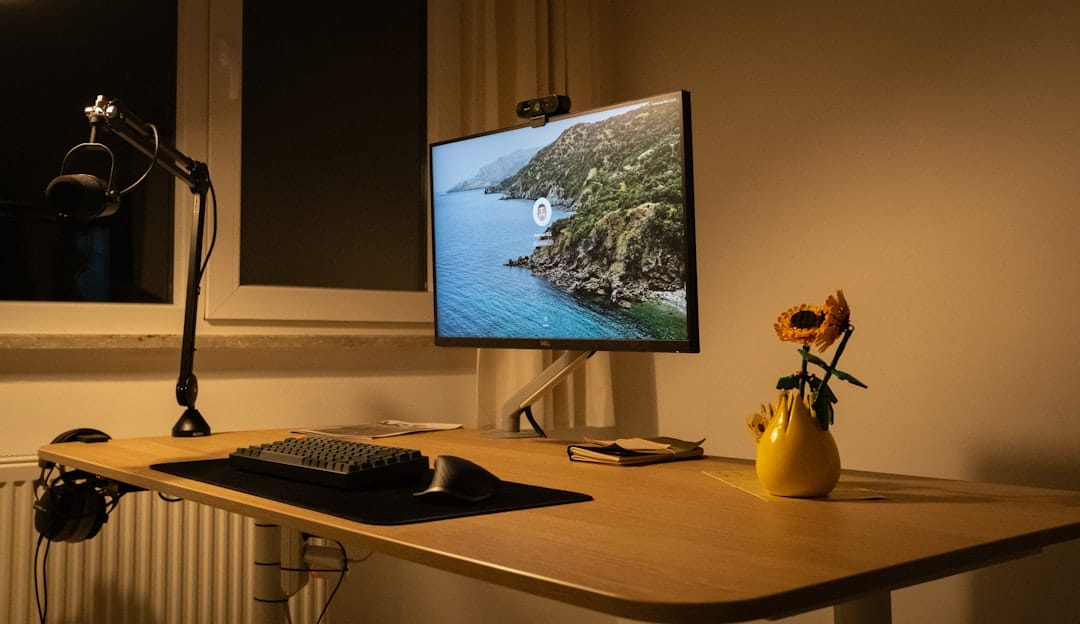
Photo by Bedirhan Gül on Unsplash
Unlock Your WordPress Potential with the Right Tools
WordPress is a powerful platform, but its vast capabilities can be daunting for beginners – and even experienced users looking to expand their skillset. Fortunately, a wealth of tutorial tools are available to guide you every step of the way. This article explores the best options, categorized by learning style and need, to help you master WordPress and build the website of your dreams.
1. Screen Recording & Video Tutorials: Capture & Share Knowledge
Sometimes, the best way to learn is by seeing. Screen recording tools allow you to create your own tutorials or follow along with existing ones. They’re invaluable for visual learners and for tackling complex tasks.
- Loom: A popular choice for quick screen recordings with webcam integration. Excellent for sharing updates with clients or creating short, focused tutorials. (Free & Paid plans)
- Screencast-O-Matic: Offers more advanced editing features than Loom, including text captions and animations. Suitable for creating polished, professional-looking tutorials. (Paid plans)
- OBS Studio: A free and open-source option for advanced users. Requires a steeper learning curve but provides unparalleled control over recording settings and streaming capabilities.
2. Interactive Learning Platforms: Hands-On Experience
Passive learning has its place, but active participation solidifies understanding. Interactive platforms provide a hands-on environment to practice WordPress skills.
- LearnDash: A leading WordPress Learning Management System (LMS) plugin. Allows you to create and sell your own WordPress courses, complete with quizzes, assignments, and progress tracking. (Paid)
- WP Elevation: Another robust LMS plugin offering similar features to LearnDash. Focuses on creating engaging and effective online courses. (Paid)
- Codecademy: While not exclusively WordPress-focused, Codecademy offers courses on PHP, HTML, CSS, and JavaScript – essential skills for WordPress theme and plugin development. (Free & Paid plans)
3. Official WordPress Resources & Knowledge Bases
Don’t overlook the official WordPress documentation! It’s a comprehensive resource for understanding the platform’s core features and functionalities.
- WordPress.org Documentation: The official WordPress documentation is a treasure trove of information, covering everything from installation to theme customization.
- WordPress Support Forums: A vibrant community where you can ask questions, share knowledge, and find solutions to common WordPress problems.
- Theme & Plugin Documentation: Most premium themes and plugins come with detailed documentation to help you get the most out of their features.
4. YouTube Channels: Visual Guides & Expert Insights
YouTube is a goldmine of free WordPress tutorials. Many talented creators share their expertise and provide step-by-step guides.
- WPBeginner: A highly popular channel offering beginner-friendly tutorials on a wide range of WordPress topics.
- Ferdy Korpershoek: Focuses on advanced WordPress development and customization techniques.
- Darrel Wilson: Provides tutorials on WordPress theme development, plugin creation, and website optimization.
5. Knowledge Base & Help Centers
Many hosting providers and WordPress-related companies offer extensive knowledge bases and help centers.
- SiteGround Knowledge Base: Excellent resource for WordPress hosting-related issues and general WordPress troubleshooting.
- Bluehost Knowledge Base: Similar to SiteGround, offering support articles and tutorials for WordPress users.
Actionable Takeaways: Building Your Learning Plan
Choosing the right tutorial tools depends on your learning style and goals. Here’s a quick guide:
- Visual Learners: Focus on screen recording tools and YouTube channels.
- Hands-On Learners: Explore interactive learning platforms like LearnDash or WP Elevation.
- Self-Directed Learners: Utilize the official WordPress documentation and support forums.
Conclusion: Continuous Learning is Key
WordPress is constantly evolving, so continuous learning is essential. By leveraging the tutorial tools outlined in this article, you can stay ahead of the curve, master new skills, and unlock the full potential of your WordPress website. Don’t be afraid to experiment with different tools and find what works best for you. Happy learning!