
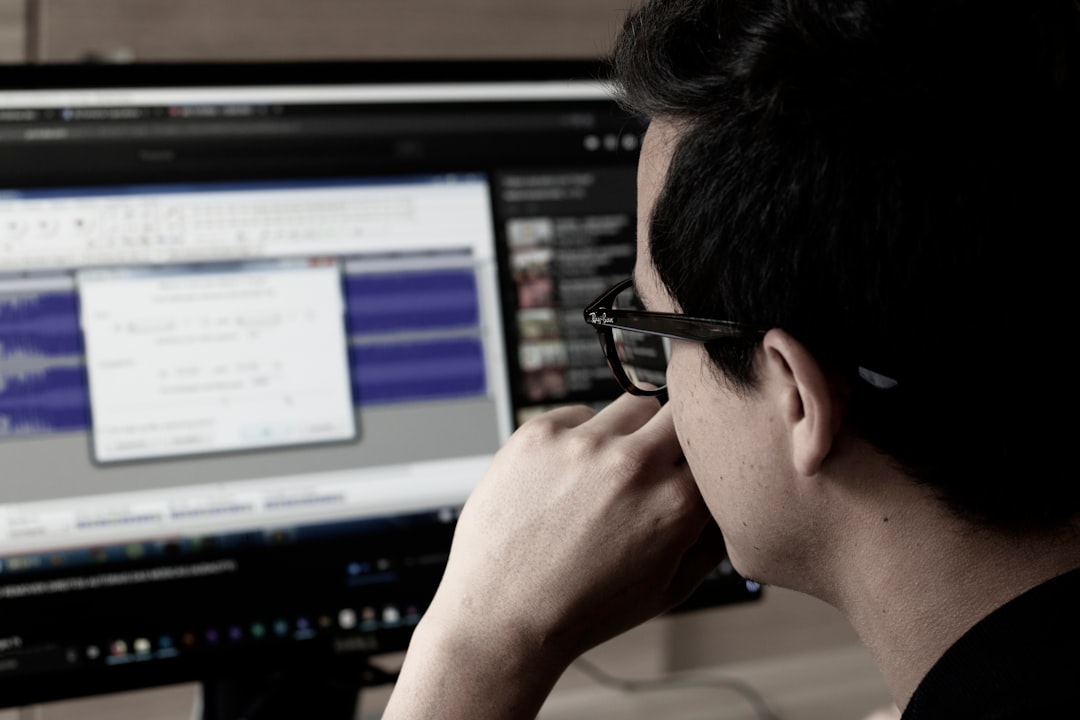
Photo by marllus fernando on Unsplash
Introduction: Why Time Management Matters in Photoshop
Photoshop projects often involve complex tasks that can spiral into hours of unproductive work. Without proper time management, designers risk burnout, missed deadlines, and compromised quality. This guide provides a comprehensive toolkit to align your creative process with efficient time allocation, ensuring you deliver high-quality results without sacrificing well-being.
Prioritization Frameworks for Designers
- **Eisenhower Matrix in Action**: A freelance designer named Alex used the Eisenhower Matrix to categorize tasks. By focusing on ‘important but not urgent’ tasks like client feedback loops, Alex reduced last-minute rushes by 40%.
- **Batch Editing for Efficiency**: Group similar tasks, such as batch appending signatures or adjusting brightness levels across multiple images. This reduces mental fatigue and speeds up repetitive work.
- **Client-Driven Prioritization**: When working with clients, use a shared Trello board to align priorities. For example, mark urgent requests (e.g., last-minute logo changes) as red flags to avoid scope creep.
Leveraging Photoshop Automation
Automation isn’t just about saving seconds—it’s about eliminating mental load. Here’s how to implement it effectively:
- **Custom Actions**: Create an Action to batch-apply effects like drop shadows or layer styles. For instance, a photo editor can record an Action to resize images to 1920×1080 pixels with specific settings.
- **Scripts for Batch Processing**: Use JavaScript scripts in Photoshop to automate tasks like renaming files or applying gradients. A script can process 50 images in minutes instead of hours.
- **Third-Party Tools**: Integrate apps like Actionary or Photoshop’s built-in Script Finder to streamline workflows. For example, use a script to automatically crop images to a standard aspect ratio.
Time-Blocking for Creative Projects
Time-blocking transforms abstract goals into actionable steps. Here’s how to structure your day:
- **Morning Deep Work**: Dedicate 2-3 hours to complex tasks like photo retouching. Use noise reduction or frequency separation during this block.
- **Review Sessions**: Schedule 30-minute blocks for client feedback. Use Photoshop’s Compare View to quickly identify changes.
- **Buffer Time**: Allocate 15-30 minutes between tasks for unexpected interruptions. This prevents overcommitment.
- **Tools to Visualize Blocks**: Use Notion or Google Calendar to create a visual timeline. A sample template could include color-coded blocks for design, editing, and administrative tasks.
Advanced Time Management Techniques
Beyond basics, consider these strategies to refine your workflow:
- **Time Tracking for Insights**: Use tools like Toggl or Clockify to log hours spent on tasks. For example, if retouching takes 3x longer than expected, adjust your estimates for future projects.
- **Pomodoro Technique for Creativity**: Work in 25-minute focused intervals with 5-minute breaks. This helps maintain creativity without burnout.
- **Delegate Non-Core Tasks**: Outsource tasks like file organization or basic photo editing to free up time for high-value work.
Common Time Management Pitfalls to Avoid
Even with the best strategies, designers often fall into traps:
- **Multitasking**: Switching between tasks (e.g., editing and client calls) reduces efficiency by up to 40%. Focus on one task at a time.
- **Overestimating Capacity**: Always build in a 20% buffer for unexpected delays. A project estimated at 10 hours might realistically take 12.
- **Ignoring Breaks**: Skipping breaks leads to mental fatigue. Schedule short walks or stretches every 90 minutes.
Actionable Takeaways for Immediate Improvement
Start small and build consistency:
- **Automate One Task Today**: Pick a repetitive task (e.g., resizing images) and create an Action or script.
- **Track Time for a Week**: Use a simple spreadsheet to log how you spend your time. Identify 1-2 inefficiencies to address.
- **Review and Adjust**: At the end of each project, analyze what worked and what didn’t. Adjust your workflow accordingly.
Conclusion: Time Management as a Long-Term Skill
Effective time management in Photoshop isn’t a one-time fix—it’s a habit that evolves with your projects and goals. By combining prioritization, automation, and mindful scheduling, you transform chaotic workflows into structured, efficient processes. Imagine completing a complex photo manipulation project in half the time while maintaining creative freedom. This isn’t just about productivity; it’s about creating space for innovation, reducing stress, and delivering work that exceeds expectations. Start today by identifying one area of your workflow to optimize. Over time, these strategies will compound, turning you into a more strategic, less stressed designer.