
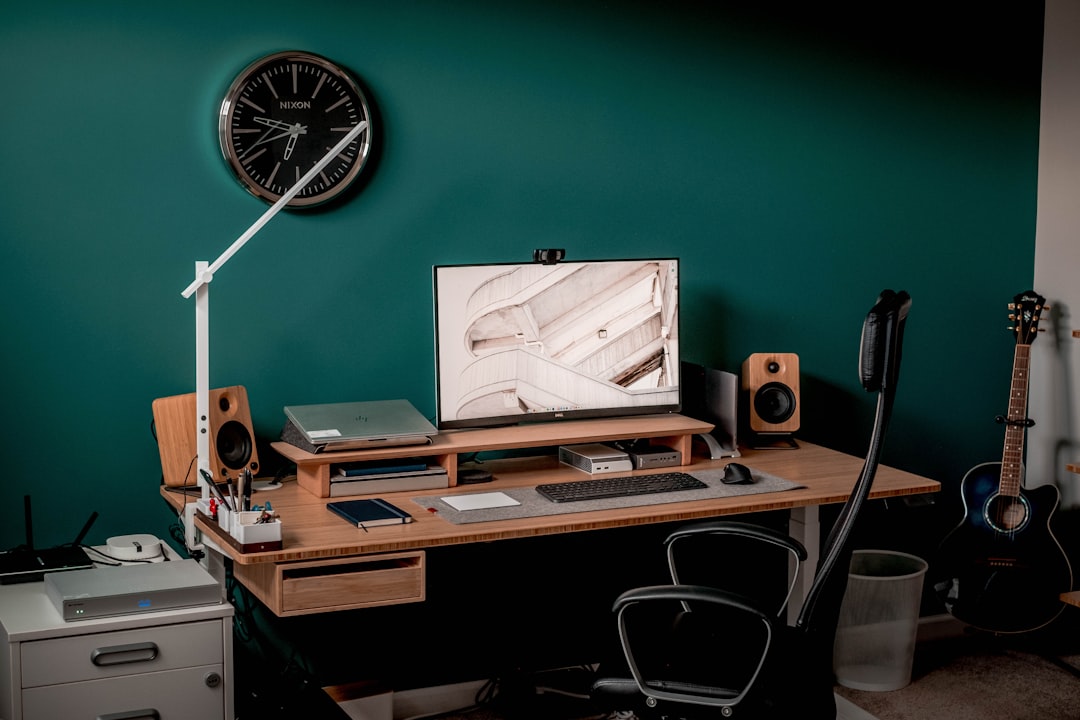
Photo by Lance Anderson on Unsplash
Introduction
In today’s fast‑paced creative environment, mastering time management is as important as knowing the latest Photoshop shortcuts. This article shares simple, proven habits that help you maximize your day, stay focused, and deliver better results in your Photoshop projects.
1. Start with a Clear Plan
Begin each morning by listing the top three tasks you need to accomplish in Photoshop. Write them down or use a digital checklist. This habit creates a roadmap and prevents you from getting lost in endless tweaking.
For example, instead of writing “Work on project,” be specific: “Retouch skin on 5 portraits,” “Create three social media banners,” or “Finalize the color grading for the hero image.” Specificity removes the mental friction of deciding what to do next, allowing you to enter a state of flow more quickly.
2. Use Time Blocking
Allocate specific blocks of time for different activities: design work, file organization, and breaks. During each block, turn off notifications and commit to the task at hand.
Consider dedicating your most energetic hours—usually the morning—to complex creative tasks like compositing or conceptual design. Leave administrative tasks, such as exporting files or organizing folders, for the mid-afternoon slump. This alignment of energy levels with task difficulty ensures that you aren’t fighting your own biology to get work done.
3. Leverage Photoshop Automation
Take advantage of actions, batch processing, and scripts to automate repetitive steps. Saving even a few seconds per file adds up to minutes or hours over a week.
For instance, if you frequently apply the same set of adjustment layers (like a specific Curves curve and a Color Lookup), record these as a Photoshop Action. Instead of manually adjusting five sliders on every image, one click applies the entire sequence. For larger batches, use the File > Automate > Batch command to process an entire folder of images while you step away for a coffee, effectively gaining back valuable time.
4. Keep Your Workspace Organized
A cluttered panel layout slows you down. Save custom workspaces for different types of projects (photo retouching, UI design, digital painting) and switch between them with a single click.
Beyond the panels, organization extends to your layer stack. Get into the habit of naming your layers and using Layer Groups (Ctrl+G / Cmd+G). Searching for “Layer 42 copy 2” in a complex project is a significant time sink. A well-organized file allows you to jump back into a project days later without spending twenty minutes trying to remember how the file was structured.
5. Implement the Two‑Minute Rule
If a task takes less than two minutes—like renaming a layer or applying a quick filter—do it immediately. This prevents small items from piling up and becoming distractions.
This rule is particularly effective for the “polishing” phase of a project. Small adjustments, like tightening a mask or adjusting a font size, can clutter your mental to-do list. By clearing these micro-tasks instantly, you maintain a clean mental workspace, leaving more room for the high-level creative thinking your projects require.
6. Schedule Regular Breaks
Short breaks improve focus and reduce fatigue. Use the Pomodoro technique (25 minutes work, 5 minutes break) or simply step away from the screen every hour to stretch and rest your eyes.
Creative burnout is real, and “pixel blindness” is a common struggle for Photoshop users. After staring at a design for hours, you lose the ability to judge color and composition objectively. A five-minute walk or a quick stretch resets your visual perception, often allowing you to spot a mistake or find a better solution the moment you return to the screen.
7. Master Your Keyboard Shortcuts
While not a habit in the traditional sense, the habit of avoiding the mouse for common commands is a massive time-saver. Learning shortcuts for tools like the Brush (B), Lasso (L), and the Undo command (Ctrl+Z) reduces the physical movement required to execute an idea.
Challenge yourself to learn one new shortcut every day. Within a month, you’ll have 30 new ways to speed up your workflow. The goal is to make the software an extension of your hand, reducing the gap between your creative vision and the final execution.
8. Review and Reflect
At the end of each day, review what you completed versus your plan. Note any bottlenecks and adjust your workflow for tomorrow. Continuous reflection turns good habits into great ones.
Ask yourself: “Where did I lose the most time today?” If you spent an hour searching for assets, perhaps your habit for tomorrow should be to organize your asset library before starting the design. This iterative approach to your workflow ensures that you are constantly optimizing your process.
Conclusion
Efficiency in Photoshop isn’t about working faster—it’s about working smarter. By integrating these simple habits into your daily routine—from strategic planning and automation to physical breaks and organized layers—you’ll spend time wisely, boost your productivity, and enjoy a more balanced creative workflow. Start small by implementing just one or two of these habits this week, stay consistent, and watch your efficiency grow. Your future self will thank you for the time you’ve reclaimed.