
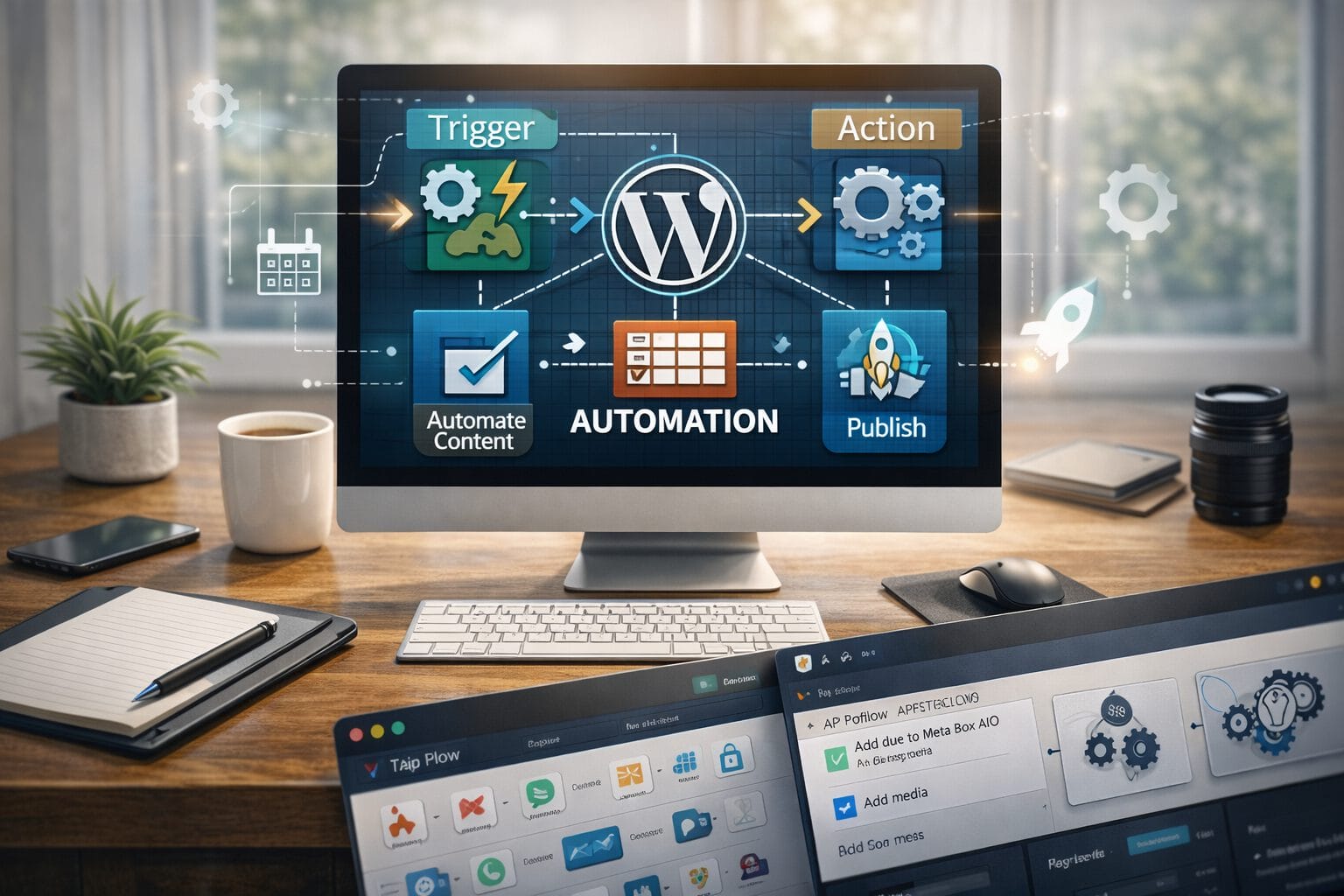
In today’s fast-paced digital landscape, content teams and site administrators cannot afford to waste hours on repetitive administrative tasks. WordPress automation provides a strategic advantage by transforming manual processes into streamlined, self-sustaining workflows. When implemented correctly, automation does not replace human oversight; it amplifies it. By delegating routine operations to reliable systems, you free up valuable time for strategy, creative development, and audience engagement. This guide explores how to integrate automation into your WordPress environment effectively, ensuring your site remains efficient, secure, and scalable.
Why WordPress Automation Matters Today
The modern website is no longer a static brochure. It is a dynamic platform that requires constant updates, security patches, content scheduling, and user management. Without automation, these responsibilities quickly become bottlenecks that slow down growth and increase operational costs.
Eliminating Repetitive Tasks
Manual processes are inherently prone to human error. Forgetting to update a plugin, missing a scheduled post, or misconfiguring user roles can disrupt your entire operation. Automation establishes consistent, rule-based execution that removes guesswork. When tasks run on predefined triggers or schedules, your team can focus on high-impact initiatives rather than routine maintenance.
Scaling Content Production
As your audience grows, so does the demand for fresh, optimized content. Automation enables multi-author coordination, automated formatting, and seamless distribution across platforms. By standardizing publishing pipelines, you maintain quality control while significantly increasing output volume.
Core Areas to Automate in WordPress
Identifying which processes to automate is the first step toward a more efficient WordPress ecosystem. Not every task requires automation, but several high-impact areas deliver immediate returns when systematized.
Content Publishing and Scheduling
Advanced scheduling tools allow you to queue articles, manage editorial calendars, and automatically assign categories or tags based on predefined rules. You can also integrate drafting tools that feed directly into your CMS, reducing the time from ideation to publication. Automated social sharing ensures every new post reaches your audience without manual intervention.
Routine Maintenance and Backups
Security and performance depend on consistent upkeep. Automated backup solutions capture full site snapshots at regular intervals and store them securely in the cloud. Combined with automatic core and plugin updates, these systems minimize downtime and protect against data loss. You can also configure automated database optimization and cache clearing to maintain peak loading speeds.
User Management and Onboarding
For membership sites, e-commerce platforms, or multi-author blogs, managing user access can become overwhelming. Automation handles welcome emails, role assignments, and access restrictions based on purchase history or subscription tiers. Custom workflows can automatically downgrade inactive users, send renewal reminders, and generate usage reports without administrative overhead.
Actionable Steps to Implement Automation Safely
Automation is powerful, but it requires careful planning to avoid conflicts, performance degradation, or unintended behavior. Follow these proven steps to integrate automated systems responsibly.
Audit Your Current Workflow
Begin by mapping out every recurring task your team performs. Identify bottlenecks, track time spent on each process, and prioritize activities that follow predictable patterns. Focus first on high-frequency, low-complexity tasks that offer the quickest efficiency gains.
Choose Reliable, Lightweight Plugins
The quality of your automation tools directly impacts site stability. Select plugins from reputable developers with active support, transparent update histories, and strong security practices. Avoid stacking multiple overlapping solutions that could cause database conflicts or slow down server response times.
Test and Monitor Before Full Deployment
Never deploy an automated workflow directly to a live production environment. Use a staging site to simulate triggers, verify data flow, and confirm that all integrations function as expected. Implement logging and notification systems so you receive immediate alerts if a process fails. Keep these essential monitoring practices in mind:
- Enable detailed error logging to capture failed triggers and API timeouts.
- Schedule weekly performance reviews to identify resource-heavy processes.
- Maintain a rollback strategy so you can quickly revert changes if conflicts arise.
Conclusion
WordPress automation is not a luxury; it is a necessity for sustainable digital operations. By strategically automating content scheduling, maintenance routines, and user management, you build a resilient infrastructure that scales alongside your business. Start small, validate each workflow thoroughly, and continuously refine your processes based on performance data. When automation is implemented with precision and oversight, your WordPress site transforms from a manual workload into a self-optimizing engine that drives consistent growth.